
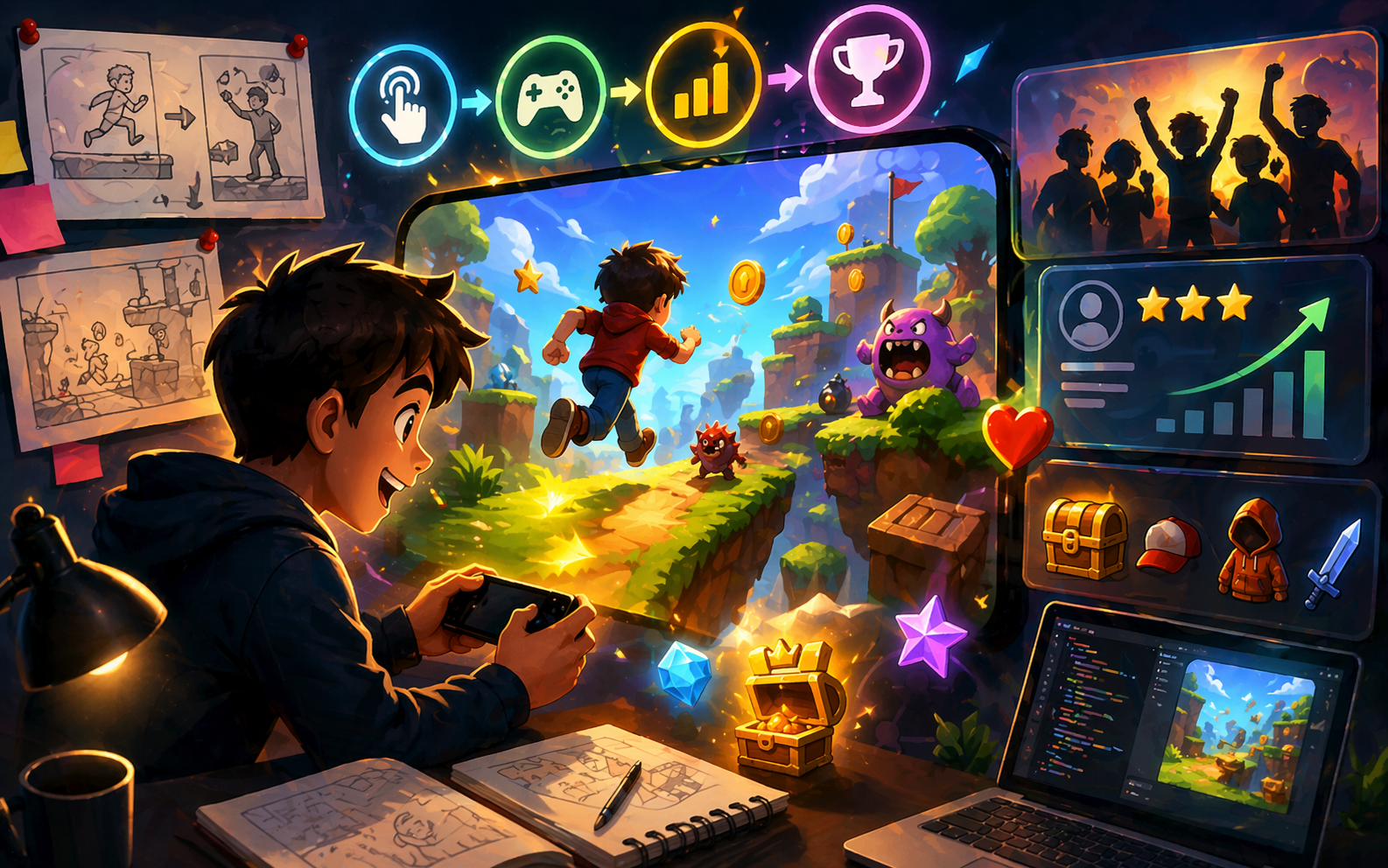
Not because your idea was bad. Not because you are not talented. They left because the first minute did not pull them in. Most simple games lose players in under one minute. If nothing exciting happens fast, if controls feel slightly off, or if the goal is unclear, people close the tab without thinking twice. Here is the good part. You do not need advanced skills or complex features to fix this. Small smart adjustments can turn a 20-second session into 3 to 5 minutes. A few more tweaks can make players come back the next day. In this guide, you will learn exactly what to change and how to describe those changes clearly. No coding tricks. No complicated systems. Just practical steps you can apply right now to make your game more engaging, more satisfying, and harder to quit.
Why Most Players Leave Games So Quickly
Players usually quit in the first 30 to 60 seconds. Common reasons are:
- The game feels confusing right away
- Controls do not respond well
- Nothing interesting happens fast
- It gets too hard or too boring too soon
If the first minute is not fun, they close the tab and move on. The fix starts with making those first seconds feel rewarding. When the beginning feels good, players naturally play longer and return more often.
Make the First Minute Count
The moment someone opens your game is the most important part. Give them something to do and a small win within 10 seconds.
Good ways to do this:
- Show a clear goal on the start screen (“Collect 10 coins” or “Reach the flag”)
- Let them start playing immediately, skip long introductions
- Add one easy action they can do right away (jump, tap, move)
- Give a small reward after the first success (a happy sound, points, or a bright flash)
Example description you can use: “Add a big start button that says ‘Tap to Play’. After the first jump or move, show 50 points with a cheerful sound and bright stars.”
Players feel successful fast. That feeling makes them want to keep going.
Get the Controls Feeling Just Right
Bad controls are the fastest way to lose players. When movement feels smooth and responsive, people stay longer without thinking about it. Simple improvements: make jumps or movements feel natural and quick to respond, add a little “weight” so actions feel satisfying, not too floaty or stiff, show clear feedback when something happens, like a screen shake on landing or a bigger animation when collecting something.
Try this in your description: “Make player movement smooth and responsive. When the character jumps, add a small screen shake and a fun whoosh sound. Make landing feel solid.” Test by playing yourself with fresh eyes. If it feels good to you, it will feel good to others. You can even look at how the controls work in games like Pocket Monster Fusion, where simple movement and responsive input keep the action engaging as you fuse creatures and explore levels. Seeing that in action can help shape what feedback and timing you want in your own game.
Give Clear Goals and Quick Wins
Players stay when they always know what to do next and feel they are making progress.
Help them by:
- Showing the main goal at all times (score, level number, distance)
- Giving small rewards every 10–20 seconds (coins, stars, new color)
- Adding short levels or clear sections so they finish something often
Useful prompt: “Show current score and next goal at the top. Every time the player collects 5 items, give a short celebration animation and extra points.” These quick wins create a rhythm: try, succeed, feel good, try again. That rhythm keeps people playing longer.
Keep the Difficulty Fair and Balanced
Nothing makes players leave faster than sudden spikes in difficulty or games that feel too easy. Aim for the sweet spot where it feels challenging but possible.
Do this by:
- Start very easily for the first 30 seconds
- Slowly make things a little harder each time
- Give the player a clear warning before the hard parts
- Let them retry quickly after failing
Try adding: “Beginner mode for first 20 seconds with slower obstacles. Then gradually increase speed. After failing, show a ‘Try Again’ button that restarts in 2 seconds.” When players feel they are improving, they keep coming back to beat their own score.
Add Reasons to Play Again
One play is good. Many plays are better. Give players a reason to return.
Easy ways:
- Show the best score or personal record at the end
- Add random small changes each time (different background colors, new item positions)
- Unlock a new character or skin after reaching a score
- Simple daily goal (“Play 3 times today for bonus points”)
Description example: “At game over, show ‘Your best score: 1240’. Randomly change the background color each new game. After 500 points, unlock a new hat for the character.” These small extras make every session feel fresh.
Make It Look and Sound More Enjoyable
Nice visuals and sounds make players smile and stay longer.
Focus on:
- Bright, clean colors that are easy on the eyes
- Smooth animations (even simple ones)
- Cheerful or exciting background music that loops nicely
- Sound effects for every action (collect, jump, win)
Prompt idea: “Use bright cartoon colors. Add smooth jump animation and particle stars when collecting items. Play happy background music that gets a little faster as the score increases.” Even a small polish makes the game feel more professional and fun.
Let Players Share and Feel Connected
People play longer when they can show their friends or compete lightly.
Simple additions:
- An easy share button that copies a link with their score
- Show top scores from other plays (your own previous bests)
- Allow a short message or name on the score screen
Add: “After winning, show a ‘Share Score’ button that copies a message like ‘I just scored 850 in [Game Name]! Can you beat it?” When friends start playing because of a share, your player stays longer to improve their score.
Keep Testing and Improving Your Game
The biggest secret to longer play times is testing often and making small fixes. Here’s how to do it with modern AI game creation tool and even tie it back to classic arcade design ideas from:
- Play your own game 10 times in a row and note what feels boring
- Ask 3–5 friends to play and tell you when they want to stop
- Change one thing at a time and see the difference
- Update your description, generate again, and compare
When you work with AI-powered generators that take simple text descriptions and turn them into playable scenes, you can iterate faster than ever. Think of this like the design philosophy behind the titles showcased on Astrocade: quick feedback loops and small tweaks drive engagement. You can see how simple changes in speed, enemy patterns, or graphics made big differences in play feel. Bring that insight into your AI-driven workflow: edit the description, regenerate, and test until it feels right.
Put It All Together
Start with the first minute, fix controls, add clear goals, balance difficulty, then layer on replay reasons, polish, and sharing. Do not try to add everything at once. Pick two or three tips, update your game, publish the new version, and see how long people play. Most builders notice big improvements after just 3–4 rounds of small changes. Players who used to stay 20 seconds now stay 3–5 minutes. Some come back the next day.
Final Words
You already know how to build a game with simple words. Now you know how to make that game keep players longer. Every change you make by describing it better gives you more chances to see happy messages like This is addictive! or I can’t stop playing. Open your game right now. Pick one section from this guide, maybe the first minute or the controls. Write a short new description, generate the update, and play it. You will feel the difference immediately. Small steps lead to games that people remember and keep coming back to. You have everything you need. Start improving today and watch how much longer players stay in your game.
 nikecarkarel@gmail.com
  Sky Bloom IT